'%3e%3cpath%20d='M19.3359%2018.2109L14.7344%2013.6094C15.875%2012.2188%2016.5625%2010.4375%2016.5625%208.49609C16.5625%204.04297%2012.9492%200.429688%208.49609%200.429688C4.03906%200.429688%200.429688%204.04297%200.429688%208.49609C0.429688%2012.9492%204.03906%2016.5625%208.49609%2016.5625C10.4375%2016.5625%2012.2148%2015.8789%2013.6055%2014.7383L18.207%2019.3359C18.5195%2019.6484%2019.0234%2019.6484%2019.3359%2019.3359C19.6484%2019.0273%2019.6484%2018.5195%2019.3359%2018.2109ZM8.49609%2014.957C4.92969%2014.957%202.03125%2012.0586%202.03125%208.49609C2.03125%204.93359%204.92969%202.03125%208.49609%202.03125C12.0586%202.03125%2014.9609%204.93359%2014.9609%208.49609C14.9609%2012.0586%2012.0586%2014.957%208.49609%2014.957Z'%20fill='%23535B62'/%3e%3c/g%3e%3cdefs%3e%3cclipPath%20id='clip0_12799_29299'%3e%3crect%20width='20'%20height='20'%20fill='white'/%3e%3c/clipPath%3e%3c/defs%3e%3c/svg%3e)

How to You Use Revolve & Cut Revolve in HVH Designer

This Revolve tool tutorial walks you through creating 3D parts in HVH Designer, a powerful browser-based CAD platform that runs entirely online. Starting from the basics, you'll learn how to create and name a new file before entering the CAD workspace, where every change is automatically saved to the cloud, so you never have to worry about losing your progress.
The tutorial begins by sketching half of a symmetric profile on a selected plane. Using the Revolve feature, the sketch is rotated around a center axis to create a fully solid 3D model. A live preview allows you to inspect the result before applying the feature, making the design process simple and intuitive.
Next, you'll learn how to use the Revolve Cut feature to create a groove in the model. After sketching the groove profile with precise dimensions, the material is removed by revolving the sketch around the selected axis. This demonstrates how rotational cuts can be created quickly and accurately as part of a professional 3D modeling workflow.
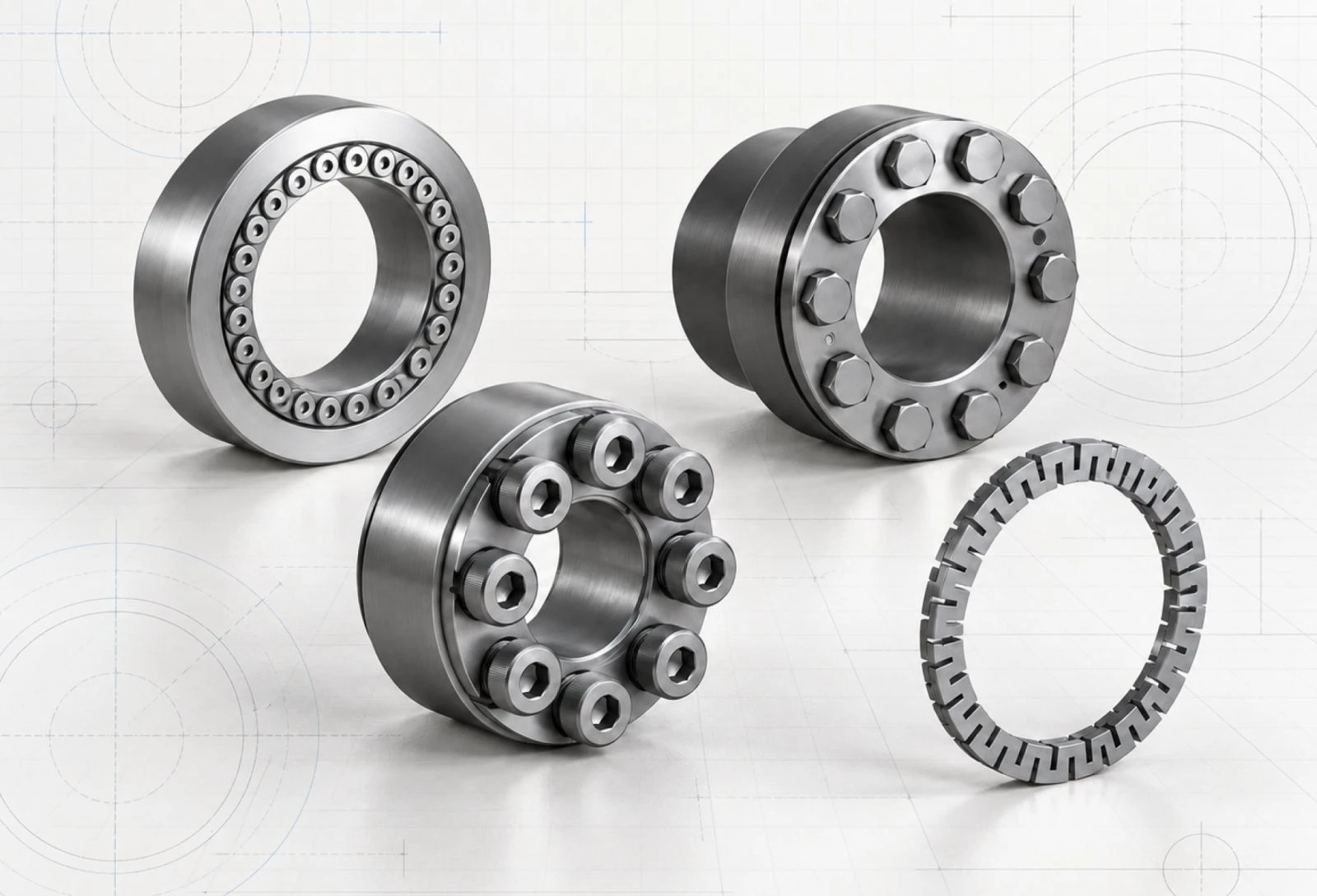
The Revolve tool is one of the most important features in 3D modeling and is commonly used to design shafts, bushings, pipes, flanges, pulleys, and other rotationally symmetric components. By following this tutorial, you'll gain a solid understanding of both the Revolve and Revolve Cut features and learn how they are used in real-world mechanical design.
Whether you're new to CAD or an experienced designer, HVH Designer provides a fast and intuitive online CAD software experience with no software installation or downloads required. As a modern browser-based CAD solution, it lets you design, edit, and access your projects from any device, anywhere in the world.
For a beginner-friendly walkthrough of how to build a simple 3D part from scratch inside HVH Designer, watch our video tutorial on How to Create a Simple 3D Part Using HVH Designer.