'%3e%3cpath%20d='M19.3359%2018.2109L14.7344%2013.6094C15.875%2012.2188%2016.5625%2010.4375%2016.5625%208.49609C16.5625%204.04297%2012.9492%200.429688%208.49609%200.429688C4.03906%200.429688%200.429688%204.04297%200.429688%208.49609C0.429688%2012.9492%204.03906%2016.5625%208.49609%2016.5625C10.4375%2016.5625%2012.2148%2015.8789%2013.6055%2014.7383L18.207%2019.3359C18.5195%2019.6484%2019.0234%2019.6484%2019.3359%2019.3359C19.6484%2019.0273%2019.6484%2018.5195%2019.3359%2018.2109ZM8.49609%2014.957C4.92969%2014.957%202.03125%2012.0586%202.03125%208.49609C2.03125%204.93359%204.92969%202.03125%208.49609%202.03125C12.0586%202.03125%2014.9609%204.93359%2014.9609%208.49609C14.9609%2012.0586%2012.0586%2014.957%208.49609%2014.957Z'%20fill='%23535B62'/%3e%3c/g%3e%3cdefs%3e%3cclipPath%20id='clip0_12799_29299'%3e%3crect%20width='20'%20height='20'%20fill='white'/%3e%3c/clipPath%3e%3c/defs%3e%3c/svg%3e)

What Is a Bill of Materials (BOM)? Types, Structure & Examples

A bill of materials (BOM) is a structured list of every part, component, subassembly, and raw material needed to build a product, along with the quantity of each. It acts as the recipe for a manufactured product: it tells purchasing what to buy, tells manufacturing what to assemble, and gives everyone involved a clear record of what goes into the finished design.
A finished CAD assembly may look complete on screen, but it doesn't get built from a 3D model alone. Somewhere between design and production, every part and fastener needs to be counted, specified, and handed off to purchasing and manufacturing. In this guide, we'll explain what a BOM includes, the main types and structures, and how modern CAD software helps generate accurate BOMs automatically.
What Does a BOM Include?
A typical bill of materials includes:
-
Part number: a unique identifier for each item
-
Description: a clear, human-readable name
-
Quantity: how many of each item are needed
-
Unit of measure: each, feet, meters, liters, and so on
-
Material or specification: what the part is made from or the standard it meets
-
Level: where the item sits within the assembly structure
Depending on the industry, a BOM may also include manufacturer names, supplier part numbers, costs, revision levels, and, in electronics, reference designators that identify each component's position on a circuit board.
BOM Structure: Single-Level vs Multi-Level
Single-Level BOM
A single-level BOM lists all the components of a product in one flat list, without showing how they're grouped into subassemblies. It's simple and easy to read, which works well for straightforward products, but it doesn't show how parts relate to each other.
Multi-Level (Indented) BOM
A multi-level BOM shows the product's hierarchy, with subassemblies listed under the main assembly and their components listed beneath them. Indentation or level numbers show how everything fits together. This structure is common for complex machinery, since it reflects how the product is actually assembled and makes it easier to manage changes.
A Simple BOM Example
Here's a simplified multi-level BOM for a small conveyor drive:
Level 0 – Conveyor Drive Assembly (Qty 1)
-
Level 1 – Motor and Gearbox Subassembly (Qty 1)
-
Level 2 – Electric motor (Qty 1)
-
Level 2 – Gear reducer (Qty 1)
-
Level 2 – Mounting bolts (Qty 4)
-
-
Level 1 – Jaw coupling (Qty 1)
-
Level 1 – Drive Shaft Subassembly (Qty 1)
-
Level 2 – Drive shaft (Qty 1)
-
Level 2 – Pillow block bearing (Qty 2)
-
Level 2 – Roller chain sprocket (Qty 1)
-
-
Level 1 – Base frame (Qty 1)
A real BOM would also include part numbers, descriptions, materials, and units of measure for each line.
Types of Bills of Materials
Different teams need different views of the same product.
Engineering BOM (EBOM)
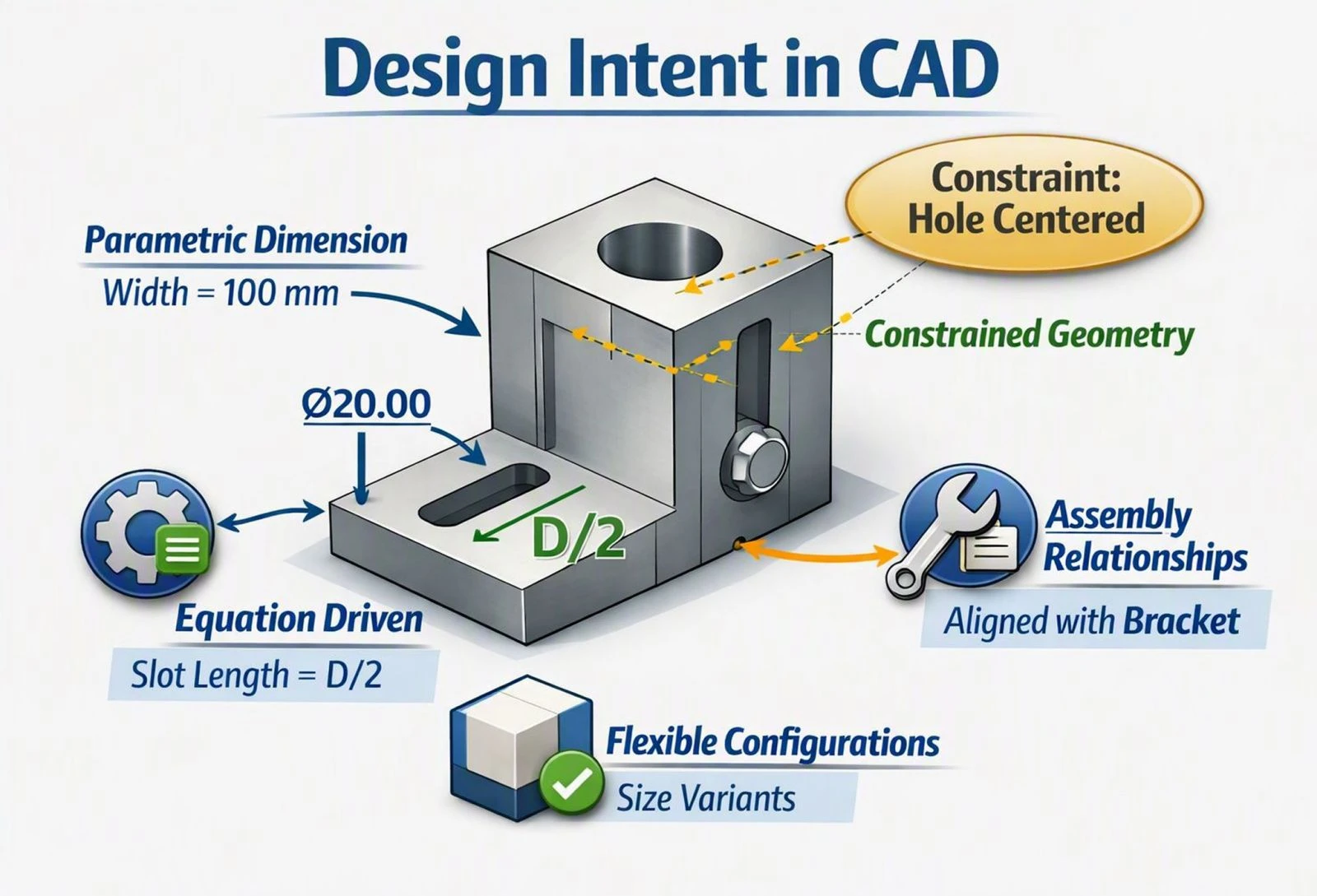
The engineering BOM reflects how a product is designed, organized according to the engineering team's assembly structure. It's typically generated from the CAD model and represents design intent.
Manufacturing BOM (MBOM)
The manufacturing BOM reflects how a product is actually built on the production floor, which may differ from the engineering structure. It often includes items that don't appear in the CAD model, such as packaging, labels, lubricants, and other consumables.
Sales BOM
The sales BOM describes a product as it's sold, which may bundle several manufactured items, accessories, or configurable options into a single sellable unit.
Why an Accurate BOM Matters
The BOM is the link between design and production. When it's accurate, purchasing orders the right parts in the right quantities, manufacturing builds the product correctly the first time, and cost estimates reflect reality. When it's wrong or out of date, the result can be production delays, incorrect orders, and costly last-minute purchases.
That's why maintaining a BOM manually in a separate spreadsheet creates risk. Every time a design changes, someone has to remember to update the spreadsheet too, and that manual step is where errors creep in.
How CAD Software Generates a BOM
Many modern CAD platforms generate the BOM directly from the assembly instead of requiring it to be built by hand.
Reading the assembly tree. The CAD software already knows which components exist, how many of each are used, and how they're grouped into subassemblies, so the BOM becomes a structured view of that information.
Pulling part metadata. Part numbers, descriptions, and materials are taken directly from each part's properties, so the BOM reflects the actual components in the model.
Updating with the design. Because the BOM comes from the live assembly, adding, removing, or replacing a part updates it automatically.
Exporting to other systems. BOMs can usually be exported to spreadsheets or shared with PDM, PLM, and ERP systems. To learn how these systems differ, see our article on PDM vs PLM.
Standard Components and BOM Accuracy
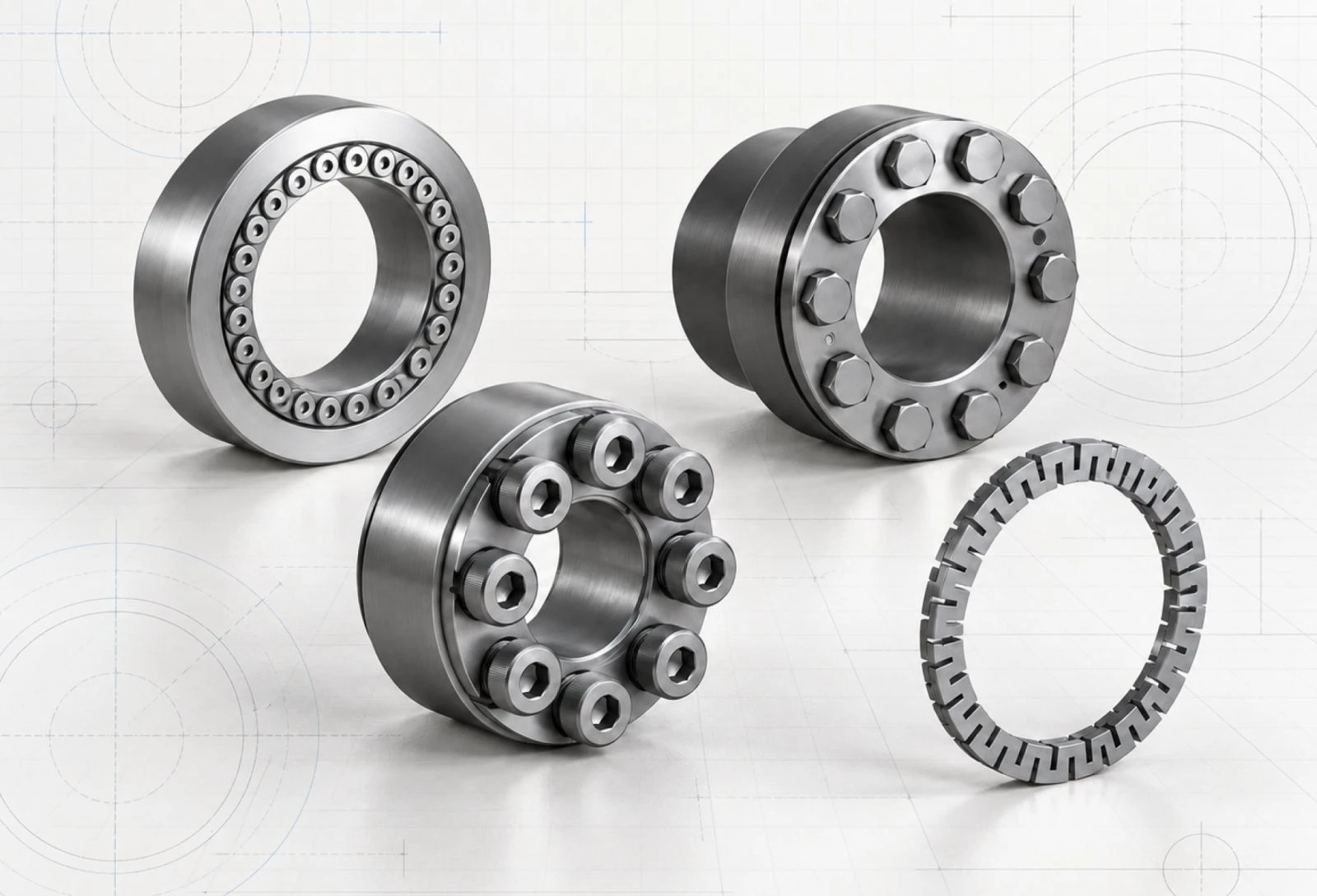
One of the most common sources of BOM errors isn't custom parts, it's standard components like bearings, fasteners, motors, and couplings. When these are modeled generically, the BOM entry may be missing a real manufacturer part number, leaving purchasing to track it down manually.
HVH Designer, a cloud-based CAD platform, helps address this with its integrated 3D parts library of manufacturer-certified components from brands like Rexnord, SKF, Flender, and Dodge Industrial. Because these models represent real products with real part numbers, assemblies built with them carry accurate, sourceable component data instead of generic placeholders.
Best Practices for Reliable BOMs
Keep part metadata consistent. A BOM is only as accurate as the information behind each part.
Use real manufacturer components wherever possible, so BOM entries can be ordered directly.
Separate engineering and manufacturing views when teams need different structures.
Treat the CAD model as the source of truth and avoid parallel spreadsheets that drift out of sync with the design.
Frequently Asked Questions
What is a bill of materials?
A bill of materials is a structured list of all the parts, components, subassemblies, and materials needed to build a product, along with their quantities.
What is the difference between an EBOM and an MBOM?
An EBOM reflects how a product is designed, while an MBOM reflects how it's manufactured and often includes extra items like packaging and consumables.
What is a multi-level BOM?
A multi-level BOM shows a product's hierarchy, listing subassemblies and the components within them, rather than a single flat list.
Can CAD software create a BOM automatically?
Yes. Many CAD platforms generate a BOM directly from the assembly, pulling part data from each component and updating it as the design changes.
Conclusion
A bill of materials may not be the most visible output of a CAD system, but it has a direct impact on whether a design becomes a correctly built product. Understanding BOM types and structures, keeping part data accurate, and generating BOMs directly from the CAD assembly all help prevent costly disconnects between design, purchasing, and manufacturing.