'%3e%3cpath%20d='M19.3359%2018.2109L14.7344%2013.6094C15.875%2012.2188%2016.5625%2010.4375%2016.5625%208.49609C16.5625%204.04297%2012.9492%200.429688%208.49609%200.429688C4.03906%200.429688%200.429688%204.04297%200.429688%208.49609C0.429688%2012.9492%204.03906%2016.5625%208.49609%2016.5625C10.4375%2016.5625%2012.2148%2015.8789%2013.6055%2014.7383L18.207%2019.3359C18.5195%2019.6484%2019.0234%2019.6484%2019.3359%2019.3359C19.6484%2019.0273%2019.6484%2018.5195%2019.3359%2018.2109ZM8.49609%2014.957C4.92969%2014.957%202.03125%2012.0586%202.03125%208.49609C2.03125%204.93359%204.92969%202.03125%208.49609%202.03125C12.0586%202.03125%2014.9609%204.93359%2014.9609%208.49609C14.9609%2012.0586%2012.0586%2014.957%208.49609%2014.957Z'%20fill='%23535B62'/%3e%3c/g%3e%3cdefs%3e%3cclipPath%20id='clip0_12799_29299'%3e%3crect%20width='20'%20height='20'%20fill='white'/%3e%3c/clipPath%3e%3c/defs%3e%3c/svg%3e)

How to use Cut/Remove, Extrude/Add & Relations in HVH Designer

Learn how to use Cut/Remove, Extrude/Add, and Relations in HVH Designer, three of the most essential tools in solid modeling. In this tutorial, you will discover how to create and edit Extrude/Add features to build 3D geometry from 2D sketches, apply Cut/Remove to subtract material and refine the shape of your parts, and use Relations to control sketch geometry with precision and keep your designs fully defined.
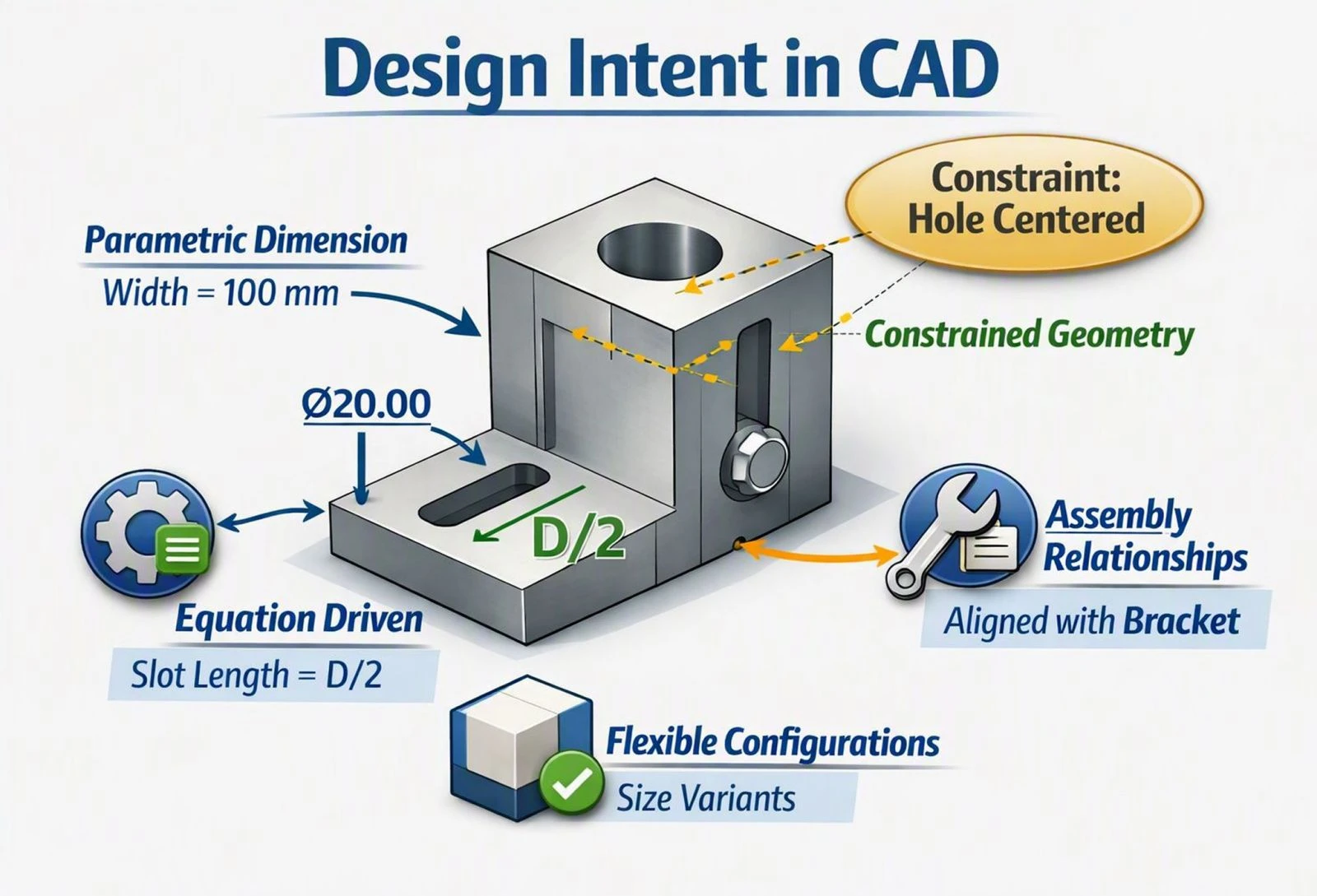
These three tools form the foundation of parametric solid modeling in CAD. Understanding how they work together will help you build cleaner, more accurate parts from the very first sketch through to the finished 3D model. Whether you are designing a simple bracket or a complex mechanical assembly, mastering Extrude/Add, Cut/Remove, and Relations gives you the control you need to model with confidence and efficiency.
Whether you are just getting started with CAD or looking to explore a modern browser-based alternative to traditional desktop software, HVH Designer makes 3D modeling fast, intuitive, and accessible from anywhere. No downloads, no installations, and no expensive hardware required. Just open your browser and start designing.
For a complete walkthrough of how to model a 3D pipe and build a fully constrained pipe fitting assembly using mates and part insertion in HVH Designer, watch our video tutorial on How to Create a 3D Pipe Model and Its Fitting Assembly.