'%3e%3cpath%20d='M19.3359%2018.2109L14.7344%2013.6094C15.875%2012.2188%2016.5625%2010.4375%2016.5625%208.49609C16.5625%204.04297%2012.9492%200.429688%208.49609%200.429688C4.03906%200.429688%200.429688%204.04297%200.429688%208.49609C0.429688%2012.9492%204.03906%2016.5625%208.49609%2016.5625C10.4375%2016.5625%2012.2148%2015.8789%2013.6055%2014.7383L18.207%2019.3359C18.5195%2019.6484%2019.0234%2019.6484%2019.3359%2019.3359C19.6484%2019.0273%2019.6484%2018.5195%2019.3359%2018.2109ZM8.49609%2014.957C4.92969%2014.957%202.03125%2012.0586%202.03125%208.49609C2.03125%204.93359%204.92969%202.03125%208.49609%202.03125C12.0586%202.03125%2014.9609%204.93359%2014.9609%208.49609C14.9609%2012.0586%2012.0586%2014.957%208.49609%2014.957Z'%20fill='%23535B62'/%3e%3c/g%3e%3cdefs%3e%3cclipPath%20id='clip0_12799_29299'%3e%3crect%20width='20'%20height='20'%20fill='white'/%3e%3c/clipPath%3e%3c/defs%3e%3c/svg%3e)

What is 3D Model Sketching

What is 3D Model Sketching?
At first glance, sketching in 3D CAD may appear to be simply drawing a few lines, circles, arcs, or shapes and connecting them to form a model. Yet the process is not as straightforward as it seems. Successful sketching requires careful planning and attention to detail, because the quality of the sketch directly affects the reliability of the final 3D model.
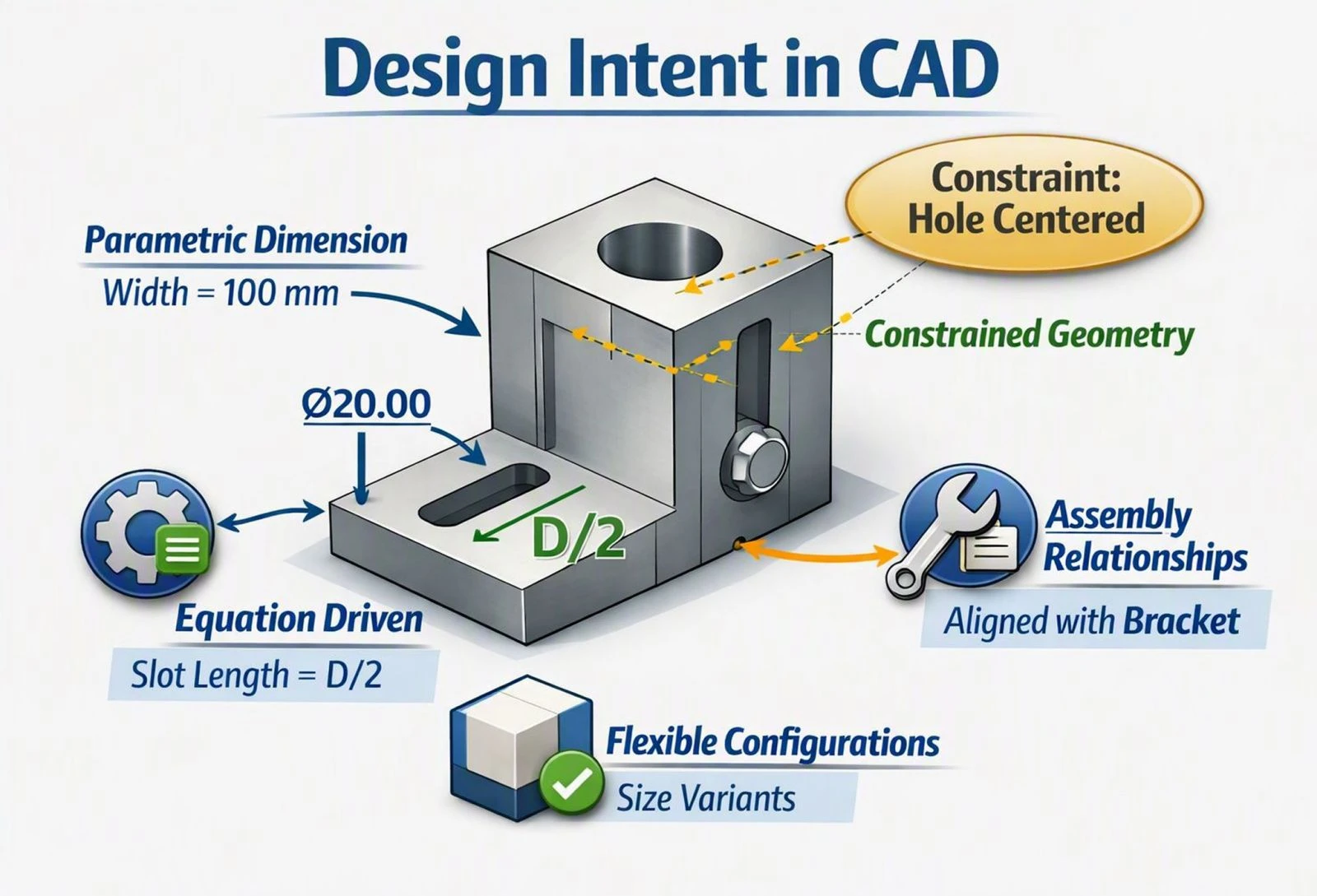
To achieve a strong outcome, it is important to select the correct plane with the final assembly in mind, anchor the sketch at the origin point (0,0), and apply constraints and dimensions that ensure accuracy. A well-defined sketch reflects the design intent, supports future modifications, and provides a stable foundation for building complex geometry. This guide focuses on how to properly begin a sketch so that the resulting 3D model is precise, adaptable, and ready for integration into larger assemblies.
Setting Correct Relations Between Sketch Entities
Establishing proper relations between sketch entities is a crucial step in CAD modeling. It ensures that your sketch remains stable, fully defined, and free from unnecessary constraints. Correct relations prevent over-definition and reduce the need for excessive dimensions. By applying geometric relations instead of redundant dimensions, you maintain a clean, efficient, and robust sketch structure that supports precise modeling and future modifications.
When sketching a 2D layout to translate into a 3D model, the most critical rule to remember is that 2D drives 3D. Your primary focus should be on accuracy, geometry, and proportions. Avoid guessing dimensions or proportions, as doing so leads to mismatched 3D components.
Step-by-Step Guide to Effective CAD Sketching
Accuracy and Dimensions
Use Exact Values
Input specific annotated dimensions rather than estimating sketch lengths. Guessing proportions leads to clashes and scaling issues that are difficult to resolve later in the modeling process.
Set Working Units
Determine whether your model will use millimeters, inches, or another unit system early in the process to avoid systemic sizing errors across the entire design.
Define Your Origin
Establish a specific starting coordinate or datum point to align all 2D references in your CAD software. Anchoring your sketch at the origin (0,0) ensures consistency and makes future modifications more predictable.
Constraints and Topology
Fully Define Your Sketches
Ensure all 2D lines and curves are properly constrained to prevent the geometry from deforming unexpectedly. An under-defined sketch is one of the most common sources of errors in 3D modeling.
Anticipate Modeling Operations
Think ahead about how the 2D sketch will become a 3D volume. Design closed, continuous profiles so you can cleanly apply base modeling operations such as Extrude, Revolve, or Sweep without errors.
Plan for Symmetry
Draw base shapes symmetrically if the final object is mirrored in 3D. Leveraging symmetry cuts modeling time significantly and reduces the risk of inconsistencies between mirrored features.
Validation
Check Multiple Views
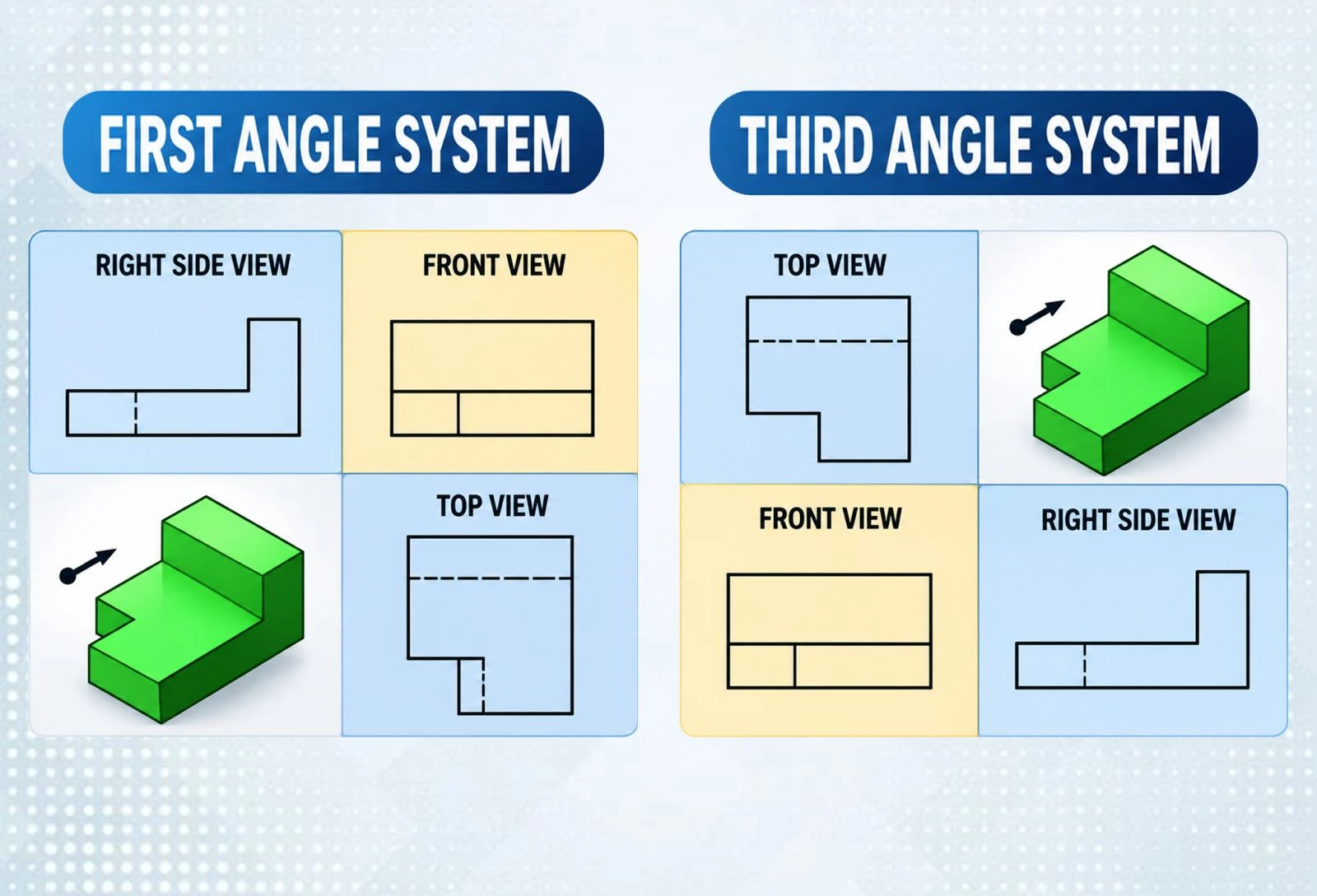
Always review all available views — Front, Top, and Side — to ensure you have accounted for all sides of the 3D form before proceeding. This prevents surprises after a feature operation is applied.
Follow Documentation Standards
Maintain consistent naming conventions and layer management for cleaner data translation. Good documentation habits become especially important when working in collaborative or multi-user CAD environments.
Why Proper Sketching Is the Foundation of Good CAD Design
Effective 3D model sketching is not just about drawing shapes — it is about building a reliable foundation for the entire design process. Carefully selecting planes, anchoring sketches at the origin, applying accurate dimensions, and setting proper geometric relations all ensure stability and adaptability in your models.
The principle that 2D drives 3D is at the core of every successful CAD workflow. Precision in sketches translates directly into precision in assemblies. With well-defined constraints, thoughtful topology, and thorough validation, your sketches become robust frameworks that support complex geometry, streamline modifications, and guarantee consistency across the final product.