'%3e%3cpath%20d='M19.3359%2018.2109L14.7344%2013.6094C15.875%2012.2188%2016.5625%2010.4375%2016.5625%208.49609C16.5625%204.04297%2012.9492%200.429688%208.49609%200.429688C4.03906%200.429688%200.429688%204.04297%200.429688%208.49609C0.429688%2012.9492%204.03906%2016.5625%208.49609%2016.5625C10.4375%2016.5625%2012.2148%2015.8789%2013.6055%2014.7383L18.207%2019.3359C18.5195%2019.6484%2019.0234%2019.6484%2019.3359%2019.3359C19.6484%2019.0273%2019.6484%2018.5195%2019.3359%2018.2109ZM8.49609%2014.957C4.92969%2014.957%202.03125%2012.0586%202.03125%208.49609C2.03125%204.93359%204.92969%202.03125%208.49609%202.03125C12.0586%202.03125%2014.9609%204.93359%2014.9609%208.49609C14.9609%2012.0586%2012.0586%2014.957%208.49609%2014.957Z'%20fill='%23535B62'/%3e%3c/g%3e%3cdefs%3e%3cclipPath%20id='clip0_12799_29299'%3e%3crect%20width='20'%20height='20'%20fill='white'/%3e%3c/clipPath%3e%3c/defs%3e%3c/svg%3e)

How to Create an Assembly in HVH Designer Beginner Tutorial
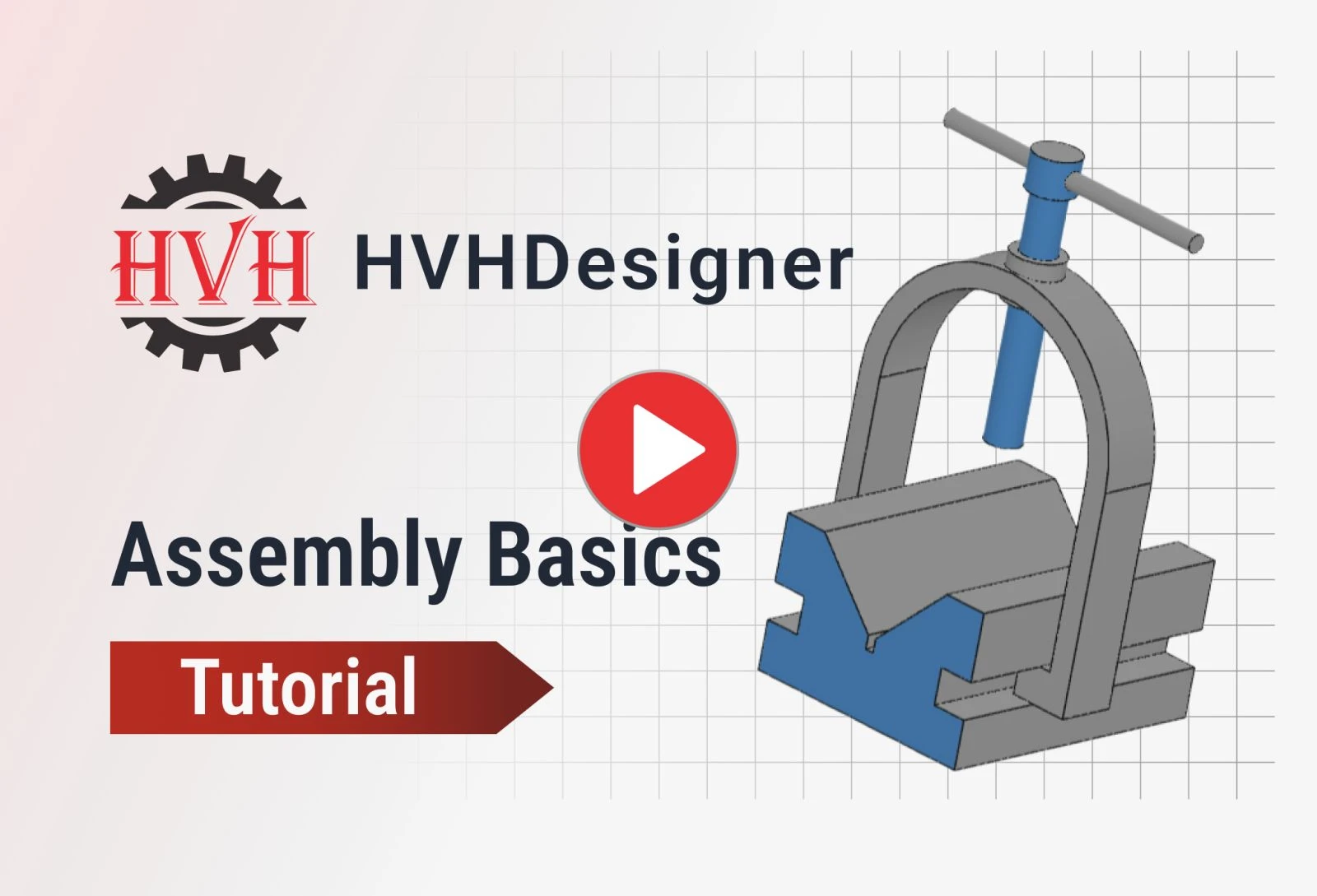
Learn the basics of creating assemblies in HVH Designer, a cloud-based 3D CAD platform built for mechanical engineers and product designers. In this tutorial, we walk through the complete assembly workflow from start to finish — helping you build fully constrained mechanical assemblies with confidence.
What you'll learn in this tutorial:
-
How to create a new assembly from scratch
-
Inserting parts and components into your assembly
-
Using mates to define relationships between parts
-
Positioning and constraining components to build a fully functional assembly
HVH Designer runs entirely in your web browser, so there's nothing to download and nothing to install. Just open your browser, log in, and start designing, from any computer, anywhere.
Need components for your assembly? HVH Designer includes an integrated 3D Parts Library with thousands of ready-to-use, fully parametric models from major manufacturers like Rexnord, Flender, SKF, and Dodge Industrial. Simply drag and drop the parts you need instead of modeling them from scratch, and get back to designing faster.